Pre-pilot · Looking for first users

Hydraulic modelling for water networks, in your browser.EPANET does the maths. The report keeps the trail.

Akarsu brings INP and GIS import, automatic validation, scenarios, run comparison and reporting into one workspace. In English and Turkish.

Time19:00
Pump off · peak tariff
Tank4.7 m
Pressure (m)2459
Sample network · results computed with EPANET 2.2 · Synthetic sample; not a real network.
  • EPANET 2.2The single source of hydraulic results
  • 25 rulesAutomatic validation; every finding in English and Turkish
  • SHA-256Every run keeps a digest of the exact engine input
  • TUREF · UTMGIS data is imported with a declared coordinate system, never a guessed one

Today

Network models still live in files and e-mail attachments.

A water network model underpins design decisions, pressure management and investment plans. Yet it often sits on one computer, in a file called model_final_v3_really.inp.

  1. Weeks from GIS to model

    Cleaning layers, mapping attributes and picking the right coordinate system starts from scratch on every project.

  2. Results without a trail

    Which revision of the model, which input and which engine version produced a result is rarely on record.

  3. Comparisons by hand

    Scenarios live in separate files, differences are copied into spreadsheets by hand, and a report starts ageing the day it is delivered.

  4. Work tied to an installation

    Desktop software brings installs, licences and a dependency on one machine; a model is hard to share inside a team.

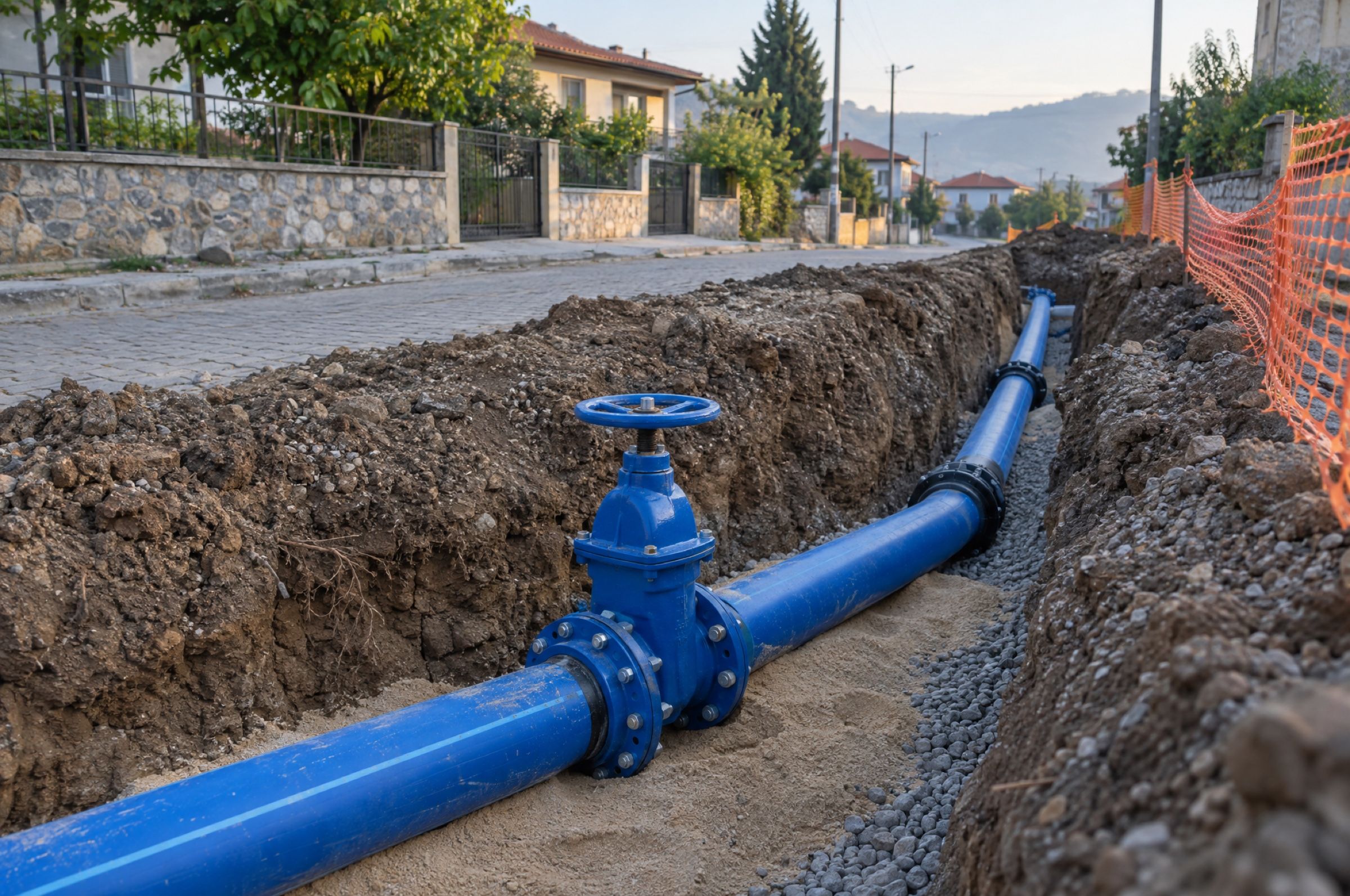
A newly laid blue drinking-water main and a gate valve in an open trench on a residential street.
Every decision in the field rests on how right a model is.
Illustrative image

Product

From import to report, one workspace.

Akarsu keeps every step of modelling work in the browser, on the same model and the same record.

Import

Start from your existing EPANET models or build a model from GIS data.

  • INP files are read as UTF-8 or as Windows Turkish (CP1254, which also reads ISO-8859-9 text); older files with Turkish characters stay intact.
  • 15 sections are parsed into the model; the rest, such as controls and rules, reach the engine unchanged.
  • GIS data (GeoJSON) comes in through a six-step wizard; you declare the coordinate system (TUREF TM27–TM45, UTM 35–38N, WGS84).
Projects and models

Validate

Data problems surface before a model is ever run.

  • 25 coded rules check topology, data consistency, missing pattern and curve references, and geometry.
  • Every finding has a severity of Error, Warning or Info, explained in English and Turkish.
  • Rules produce the findings, not AI.
Validation findings

Edit

Nothing is lost; every save is a revision.

  • Add junctions, tanks and reservoirs on the map; draw and split pipes; drag a junction and its pipes follow.
  • Edit values one by one or in bulk in the unit-labelled Properties panel.
  • Every save becomes a new revision with its author; earlier revisions never change.
Unit-labelled editing

Run

Single-period and extended-period (EPS) simulations are solved by EPANET 2.2.

  • Follow pressure, head, flow, velocity and headloss on the map with a time scrubber.
  • Inspect junction and pipe charts, run extremes and results tables.
  • Export results as CSV.
Results · Pressure, 19:00

Compare

Scenarios are changes defined on top of a base revision.

  • In a scenario, change junction demands and elevations, pipe status, diameter, roughness and minor loss, pump speed, tank initial levels or reservoir heads.
  • The difference between two runs (Candidate − Base) is computed exactly from the stored results.
  • A difference map and a synchronised table show the elements that changed most.
Comparison · Candidate − Base

Report

Every deliverable rests on a traceable run.

  • PDF report in English or Turkish: network summary, validation findings, hydraulic results and threshold compliance, with an optional scenario comparison and map.
  • Threshold compliance (defaults: pressure 20–60 m, velocity at most 2 m/s) is reported with its sources.
  • Every report carries the engine version and the SHA-256 digests of its input files.
PDF report

Screenshots are from the real product, taken with the sample network on this page; the validation shot uses a copy with deliberately added errors.

Live demo

Run the engine yourself.

The sample network below is being solved right now, in your browser, by EPANET 2.2. Change the hour, close a pipe, raise a junction's demand and see the difference: a small rehearsal of Akarsu's scenario and comparison workflow.

Colour by
Loading the EPANET engine…

Ready-made scenarios

Scenario settings

Closed pipes
None

Click a pipe on the map, or pick it from the list in the Selected element tab, to close or reopen it.

First select a junction on the map or from the list in the Selected element tab.

Lowest pressure—
Below 20 m—
Above 60 m—
Pump—
Tank level—
Solve time—

The sample network is synthetic; it does not represent any real town or utility. 133 junctions · 192 pipes · 1 pump · 1 tank · 1 pressure-reducing valve.

Download this network's INP file

Engineering

Numbers you can defend.

A hydraulic model is only worth as much as your trust in its results. Akarsu protects that trust by design.

  • One source of hydraulics: EPANET

    Akarsu never computes or corrects a hydraulic result itself. Every pressure and flow comes from EPANET 2.2 and is stored unrounded, in the model's own units; screens round only for display.

  • Explicit units

    A model stays in its own unit system; nothing is converted silently. All ten EPANET flow units are supported.

  • Immutable raw results

    The engine's raw output cannot be changed. Derived values, such as the headloss gradient, are kept separate and labelled as derived.

  • End-to-end traceability

    Every run records the engine version and the SHA-256 digests of the uploaded file and of the exact engine input.

  • Faithfulness before maths

    A model whose import recorded a parsing problem is not run as imported. Input that measurements showed EPANET crashes on, or reads differently from Akarsu, is refused before it reaches the engine; the known remaining cases are recorded as open defects.

  • An AI boundary

    Only rules and the engine produce validation findings and hydraulic results. AI stays outside those layers.

For the record: our reference benchmark set is limited to EPANET's Net1 example for now and is awaiting review by an independent hydraulic engineer.

AI

An assistant that explains your model, and never changes it.

Akarsu's assistant answers questions in English or Turkish by reading stored model, validation and run data. Its language model is Anthropic's Claude. It is in preview: its evaluation with the live model has not been run yet.

  • Answers with sources

    Every value in an answer cites a numbered source and must match that stored value, in its unit; if one does not, the answer is withheld.

  • Read-only

    It does not edit, run simulations or write reports, and it never goes beyond the asking user's permissions.

  • Off by default

    It stays off in every project until the project owner turns it on.

The path of an answer
  1. QuestionAsked in English or Turkish.
  2. Read toolsData comes only through read tools, within the user's permissions.
  3. SourcesEvery value in the answer is tied to a numbered source.
  4. Number checkEach cited number is compared with its stored value and unit; an answer that fails is withheld.
MCP

MCP server

AI clients that speak the Model Context Protocol get 11 read tools under the user's role: projects, models, scenarios, elements, validation, runs, results and comparison. They connect over stdio or Streamable HTTP with a credential bound to one user and one project.

Read tools

  • list_projects
  • list_models
  • get_model_summary
  • get_element
  • search_elements
  • get_validation
  • get_run
  • list_runs
  • list_scenarios
  • query_results
  • compare_runs

Change proposals (propose_edits) are stored as pending proposals only; nothing is ever applied by itself.

Use with customer data opens only after a recorded evaluation with the live model and data-processing terms agreed with you.

A modern drinking-water pumping station with a row of blue centrifugal pumps and stainless steel pipework.
Illustrative image

Who it is for

For the people who model, operate and teach water networks.

  • Engineering consultancies

    Build the model for a water supply project, compare scenarios and deliver with a report in English or Turkish. Every deliverable rests on a traceable run.

  • Water and sewerage utilities

    Keep your network model in-house with role-based access (Owner, Editor, Viewer). Every model edit is saved as a revision with its author, so the model stays current for pressure management and water-loss work.

  • Universities

    Teach and research hydraulic modelling with an EPANET-based workspace in English and Turkish.

From the founder

Water network models hold the most valuable knowledge about how a city moves its water, yet they often stay on one computer, in one person's head. I am building Akarsu so these models can be open, traceable and shareable. I want to shape it with its first pilot users, around the real needs of engineers in Turkey.

Ardıl BaranFounder · İTÜLinkedIn profile

FAQ

Frequently asked questions

Which hydraulic engine does Akarsu use?

OWA EPANET 2.2.0. Akarsu does not write its own hydraulic solver; every hydraulic result comes from EPANET and is stored as is.

Can I use my existing EPANET models?

Yes. INP files are read as UTF-8 or as Windows Turkish (CP1254, which also reads ISO-8859-9 text). Sections that are not parsed reach the engine unchanged. A model can be exported back to INP; tests check that the export solves like the original, and the known exceptions are on record.

Which GIS formats are supported?

GeoJSON today. Points become junctions, tanks or reservoirs; lines become pipes. You declare the coordinate system (TUREF TM27–TM45, UTM 35–38N, WGS84). Shapefile and GeoPackage are not supported yet.
Where is my data kept?

Pilot installations run on your organisation's own server: a single Docker image and PostgreSQL. If a project owner turns the assistant on, questions and the model data needed to answer them are sent to Anthropic. A hosted cloud service is not offered yet.

Can several people work on the same model?

Projects are shared with Owner, Editor and Viewer roles. Every model save is a new revision; a save based on an out-of-date revision is refused with a conflict warning. Scenario overrides are saved separately and are not versioned. Real-time co-editing does not exist yet.

What is not there yet?

Water quality, fire flow, energy and transient analyses; SCADA connection and calibration; Shapefile and GeoPackage import; real-time co-editing and cloud hosting. We want to decide what comes first together with our first users.

How will pricing work?

Pricing has not been announced yet.

What stage is the product at?

Pre-pilot. The core workflow (import, validation, editing, simulation, comparison and reports) works; we are looking for our first pilot users.

Become one of the first pilot users.

Tell us your organisation, your role and the rough size of your network, and we will set up a demo for you.

Illustrative image